
DESKTOP RAINMAKER FOR MAC
A little weather.
Your whole desktop.
For the ideas, the edits, and the late nights.
A little weather to keep you company.
In development · Built for Mac
A lightweight website illustration. The Mac app renders effects over your actual desktop.
AN ACTIVE TAKE ON THE SCREEN SAVER
Your desktop doesn’t
have to disappear.
A traditional screen saver takes over when you step away. Desktop Rainmaker brings a scene to the desktop you’re already using.
Your apps stay visible and clickable beneath the effects. Keep an eye on an export, a timeline, or a conversation while rain gathers and slips across the glass. Return to work without dismissing the whole experience.
FIND YOUR WEATHER
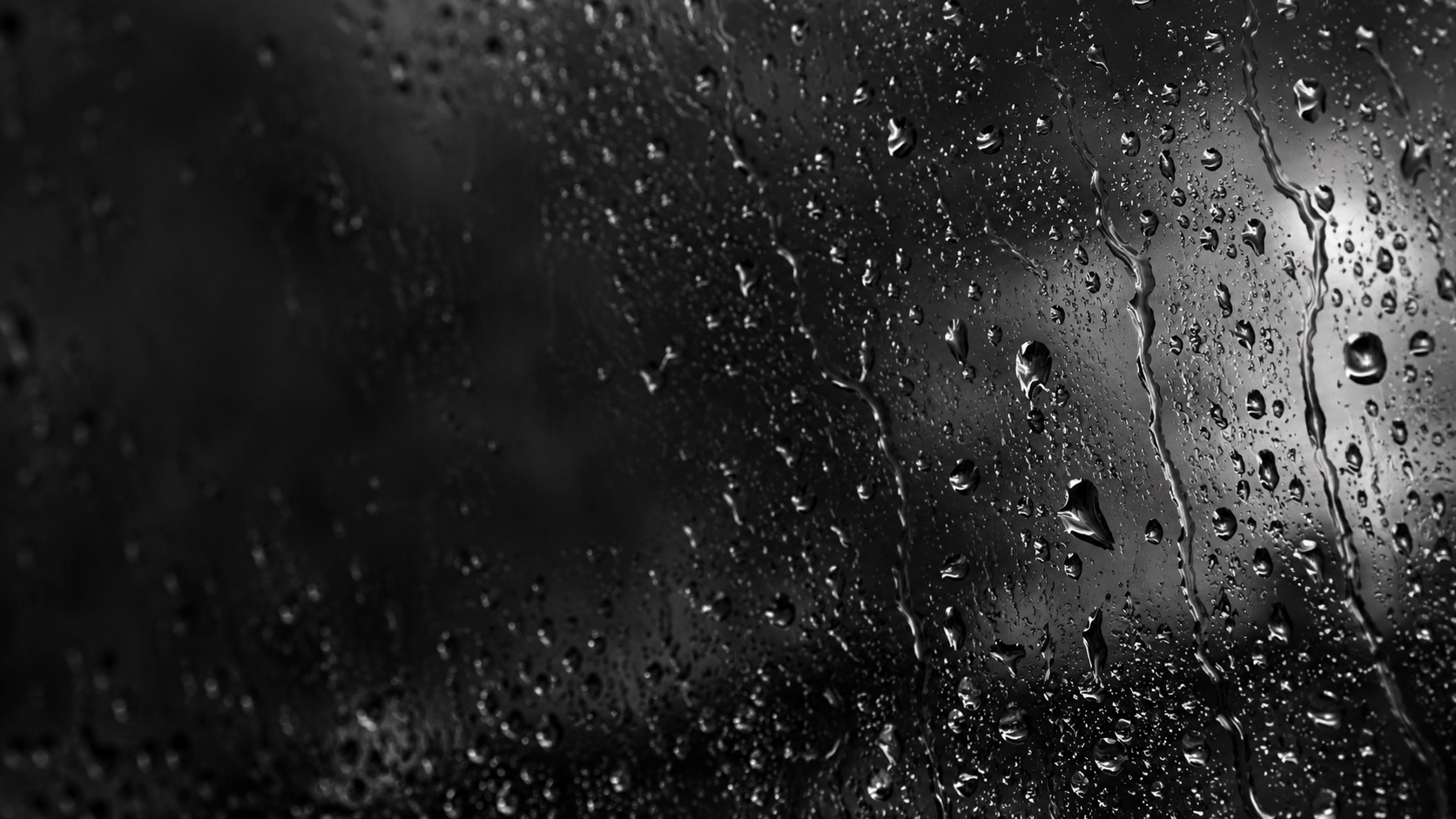
Some days, a drizzle.
Some days, a downpour.
Beads linger. Drops meet. Water finds its way down.
Choose a scene that matches the moment.
Prefer a little celebration? Switch to Confetti.
Density, size, motion speed and cursor wind stay within reach for both styles. Lightning reflections can be switched off.
FOR THE HOURS YOU GIVE YOUR WORK
One more idea.
A little company.
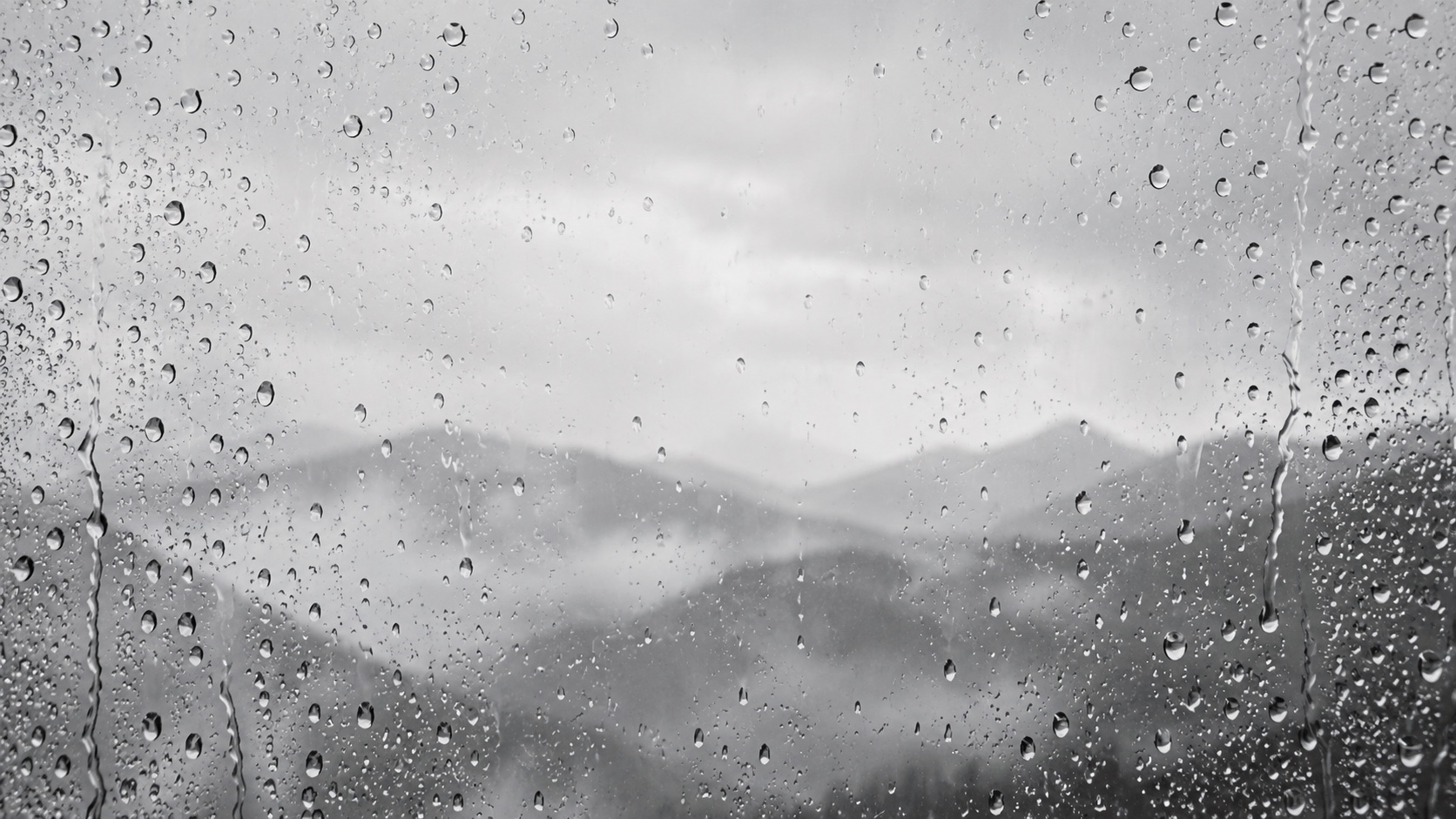
The edit that takes all evening. The last export before tomorrow. The quiet satisfaction of making something your own.
A little rain at the window can change the feeling of a room. Desktop Rainmaker brings a trace of that atmosphere to the place you work.
A SCENE THAT RESPONDS
Make room
with a movement.
Move your pointer and a local gust pushes the scene aside. Rain scatters and confetti drifts away. The breeze gently fades when your pointer comes to rest.
Adjust Cursor Wind from a subtle response to a stronger sweep. Your clicks pass through to your apps.
KEEP AWAKE
A little longer.
Or as long as you need.
Give a long export, a working session, or a live dashboard the time it needs. Keep your Mac and display awake for a chosen duration, or select Infinity until you’re ready to stop.
Use it with rain, with confetti, or completely on its own. One timer. Your choice.
Keep Awake without effectsPrevents automatic idle sleep. Manual sleep, lid closure and macOS power policies still apply.
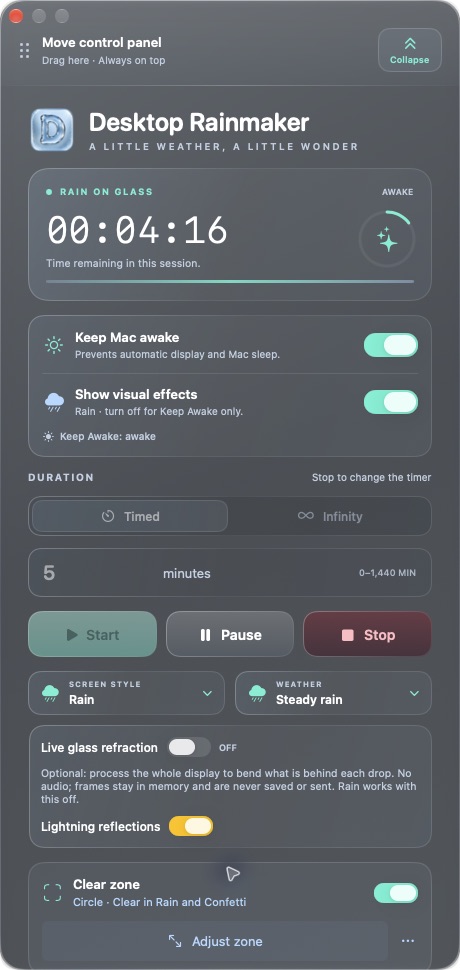 Actual Mac app · pre-release build
LESS IN YOUR WAY
All the control.
A little less panel.
Set the scene, then collapse the panel to its essentials. Start, Pause, Resume and Stop are still there, along with Keep Awake, Visuals, Rain or Confetti, and the weather selector.
Move it with the dedicated drag handle. Change your scene without restarting your timer.
Get to know the controlsCLEAR ZONE
A little room.
For what matters.
Draw a rectangle or circle around the part of your screen you want to keep clear. Rain and confetti meet its edges and move around it, while the space inside stays open.
Adjust it, turn it off, or draw something new. Your scene and timer keep going.
Make your own space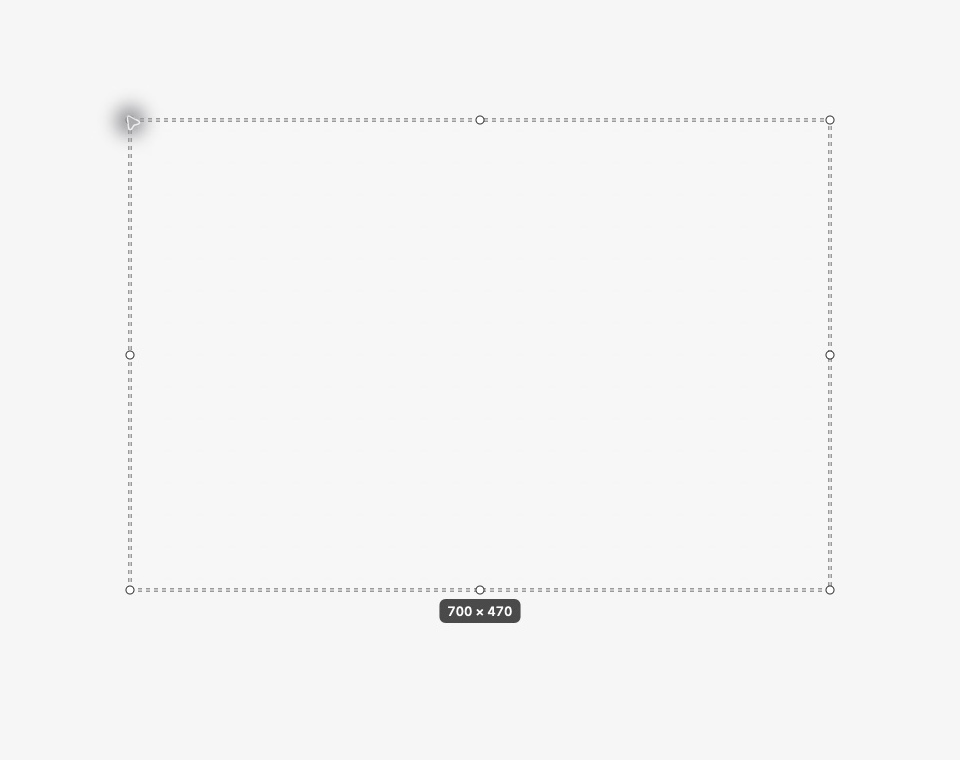
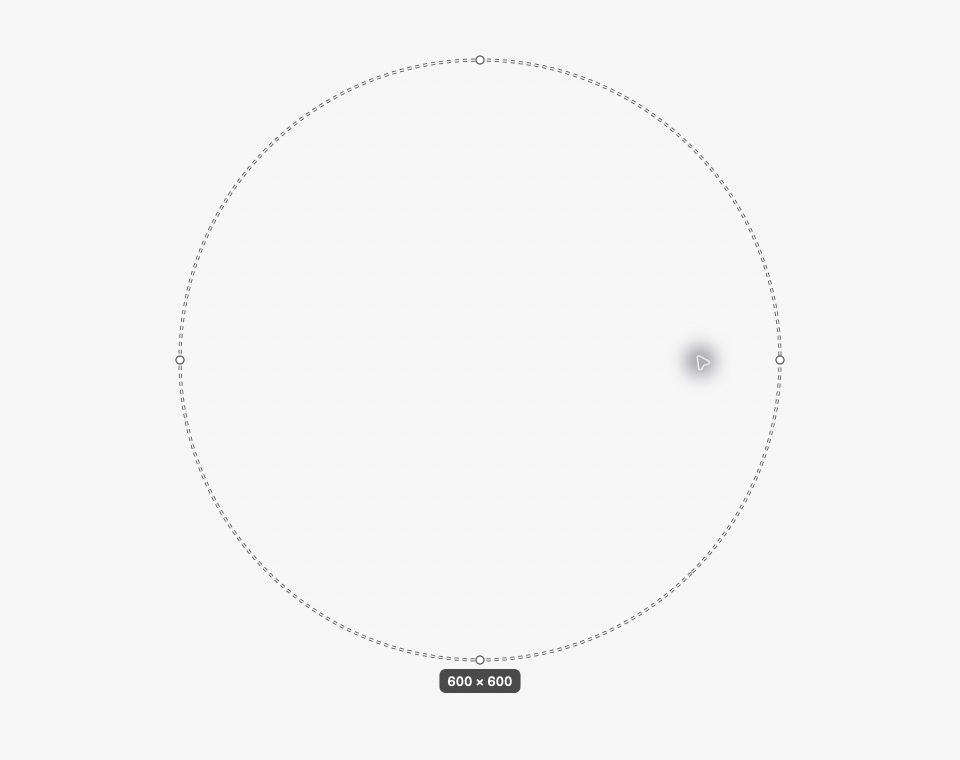
Actual Mac app editor captures. The dotted outline appears only while you draw or adjust a zone; it disappears when you choose Done. One zone is saved on one display, and your apps stay clickable beneath the effects.
THE VIEW IS YOURS
On your screen.
On your Mac.
Optional live glass refraction makes drops bend the actual desktop behind them. With your permission, frames are processed in memory on your Mac. No audio. No saved recordings. No uploaded desktop images.
Understand your privacyA FEW GOOD QUESTIONS
Before the first drop.
Is this a traditional screen saver?
Desktop Rainmaker runs as an interactive overlay over your working desktop. Your apps remain visible, and clicks pass through the visual layer. A traditional macOS screen saver hides the desktop after inactivity. Desktop Rainmaker does not replace your Mac’s lock-screen security settings.
Can Keep Awake work without rain or confetti?
Yes. Turn Visuals off and Keep Awake on, choose your duration and press Start. You can change either switch during a session without restarting its timer.
Why does live glass refraction need Screen Recording permission?
To bend the actual desktop behind the drops, the app needs to process display frames. This is optional and off by default on a fresh installation. Frames are processed in memory on your Mac, not saved or uploaded, and audio is not captured. Rain works without this permission.
Where can I download Desktop Rainmaker?
Desktop Rainmaker is in development and is not yet available as a public App Store download. Release details will be shared here when they are confirmed.
A new atmosphere
is taking shape.
Desktop Rainmaker is in development.
Release details will appear here when they’re ready.